Short videos can make a news-style article easier to understand. They can also make a weak claim look stronger than it is. Before a team adds motion, music, and visual polish, it needs to know which facts are safe to show and which details still need source checks.
This matters for technology updates, business explainers, product comparisons, AI trend pieces, and practical guides. A video draft may be only a planning tool, but viewers often read moving images as evidence. If the draft looks like a real test, a real event, or an official announcement, it can change how the article is understood.
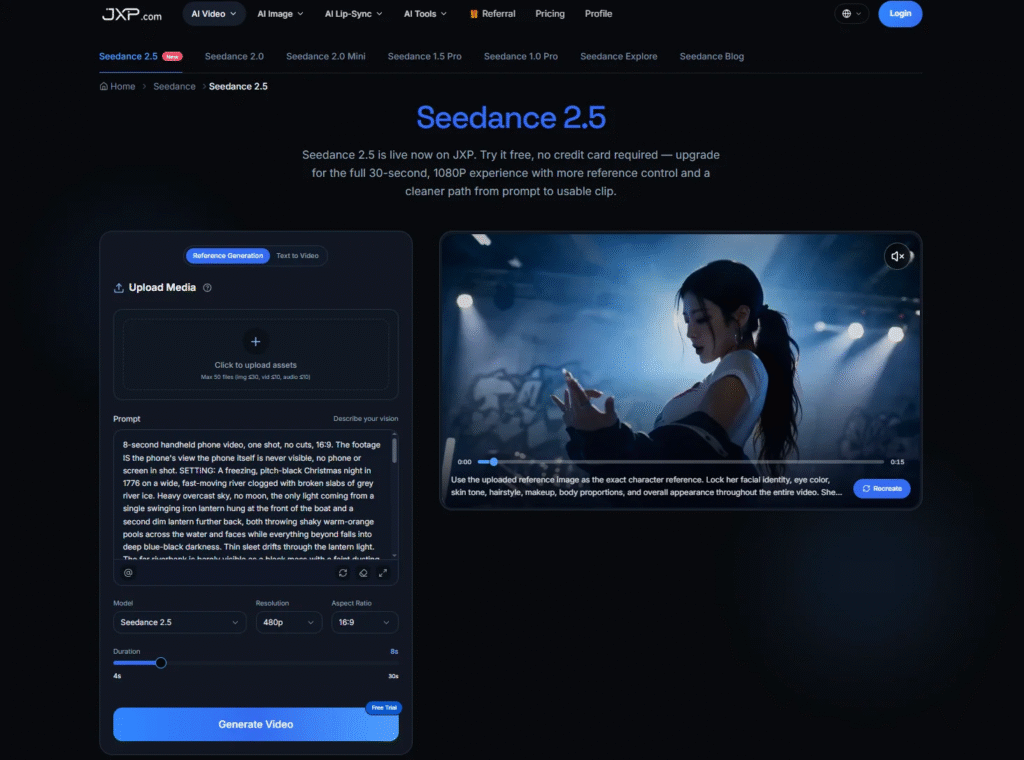
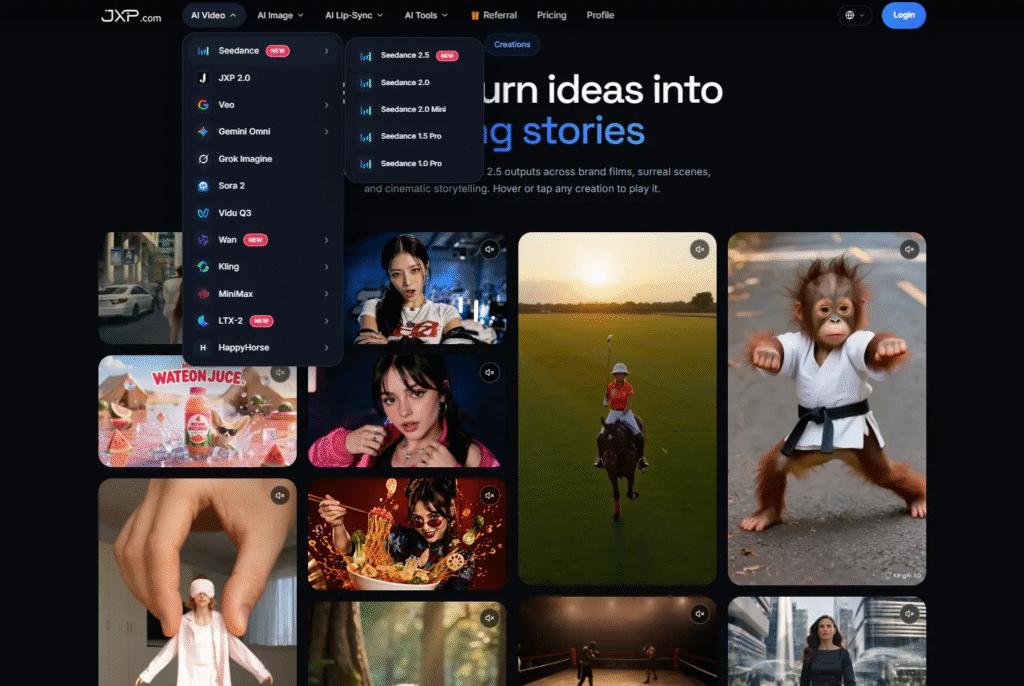
Used carefully, Seedance 2.5 on JXP can support the early planning stage by helping editors turn a written idea and eligible references into a short draft for review. The point is not to replace reporting, testing, screenshots, or final editing. The point is to see whether the article’s message can become visual without losing its accuracy.
Start With the Claim the Video Must Protect
Every short video draft should begin with one protected claim. That claim might be simple: a product update is being explained, a comparison needs context, a workflow has changed, or a trend is still early and should not be overstated.
Writing that claim first prevents the video from drifting into generic excitement. “Explain why teams should verify a dashboard screenshot before publishing it” is useful. “Make the story look futuristic” is not. One gives the editor a review standard. The other invites visual noise.
If the team cannot identify the claim the video must protect, the draft is not ready. A sharper brief is usually more valuable than another effect.
Separate Facts, Signals, and Illustration
Technology and business articles often mix different kinds of information. A verified product name is not the same as a vendor claim. A screenshot is not the same as an independent test. A spike in search interest is not the same as sales growth. A social post is not the same as broad market adoption.
A good video brief keeps those layers separate. Facts should remain traceable to named sources, current screenshots, test notes, published reports, or approved documentation. Signals should keep their limits, including audience, market, platform, measurement period, and verification date. Illustrative scenes should be labeled or framed so viewers do not mistake them for documentary footage.
That distinction is especially important when the article discusses AI, cybersecurity, finance, health technology, education technology, or workplace tools. A generated scene should never turn early evidence into certainty.
Use References With a Specific Job
Reference material can make a draft more coherent, but only when each reference has a clear purpose. One reference may guide layout. Another may suggest color or pacing. Another may show a neutral scene structure. The team should not upload a large folder of material simply because it is available.
References should also be eligible for external AI processing. A file that can appear in an article may still be unsuitable for upload to a generation workflow. Private client data, internal dashboards, unpublished campaign notes, confidential files, third-party creative assets, and sensitive screenshots should stay out of the draft.
Simple planning material is often better: an original layout sketch, a fictional data card, a generic device outline, a neutral workspace scene, or a short written note about the intended sequence. The cleaner the input, the easier it is to review the output.
Keep Exact Text Out of the Generated Scene
Generated background text can look convincing while being wrong. It may misspell a product name, invent a number, distort a chart label, or create a fake interface message. For a news-style article, those small errors can become serious because they look like published facts.
Names, dates, prices, statistics, quotes, labels, disclaimers, source names, and calls to action should normally be added in the final edit from verified material. The draft can leave space for them, but the article should not rely on the generated scene to carry exact wording.
Editors should also review background signs, screens, labels, packaging, documents, maps, and charts. Accidental text can introduce a claim, brand reference, location, or date that was never part of the article.
Make Disclosure Travel With the Clip
If an illustrative scene could reasonably be mistaken for real footage, a real product demonstration, a genuine customer reaction, or a measured audience result, the final video should identify it clearly. The disclosure should not disappear when the clip is shared away from the original article.
That may mean adding a small label such as “illustrative scene”, keeping the caption direct, or making sure the surrounding post explains what the viewer is seeing. A disclosure hidden only in the article footer is not enough if the video circulates on its own.
Commercial relationships need the same care. Sponsored coverage, affiliate links, gifted access, paid placements, and brand-supplied data should remain distinguishable from independent editorial conclusions. A generated visual should not make a commercial message appear to be neutral reporting.
Plan for Mobile Readers and Silent Playback
Many viewers will see the clip on a phone, in a feed, and without sound. Important text should be large enough to read, captions should stay on screen long enough, and the final frame should not hide the call to action under platform controls.
If narration, music, or sound effects carry information, accurate captions should be provided and checked manually. If colors communicate risk, improvement, decline, or category, words or symbols should also be used. The article or post should still contain the complete material facts that do not fit comfortably inside the clip.
A practical video planning workflow can help editors compare pacing, structure, and visual emphasis before spending time on final design, editing, or paid promotion.
Use the Draft to Improve the Article
A video draft can reveal problems in the article itself. If the clip needs too much explanation, the article may need a clearer opening. If the video makes the story look more certain than the evidence allows, the headline may need softer wording. If the scene depends on invented visuals, the article may need stronger source material.
That feedback is useful. The draft is not only a possible visual asset; it is a stress test for the message. If reviewers cannot explain the video in one sentence, readers may not understand the article either.
The best short video drafts do not make weak information look polished. They help teams see whether the information is clear, sourced, limited, and ready for publication.