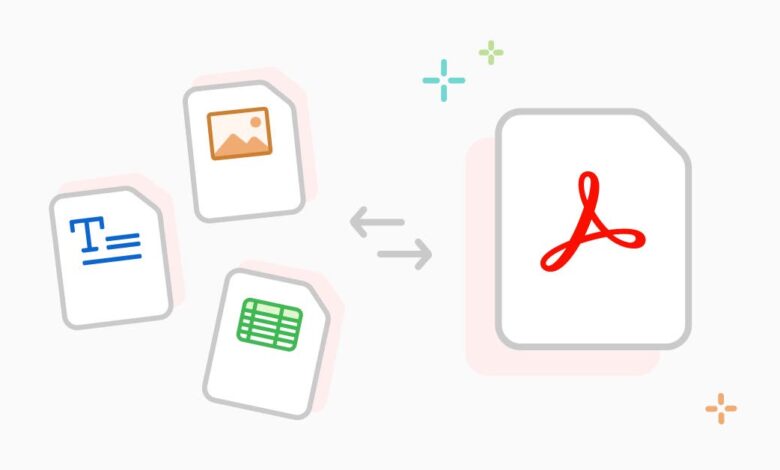
PDF files are one of the most commonly used document formats today – in the office, at school, and at home. The problem arises when you need to change something, extract data, or transfer a file in a different format. Many people don’t know where to start.
Many people treat converting PDFs to other formats as a one-time task. However, in the daily work of a workshop or salon, the need to convert PDFs online arises frequently. Sometimes it’s a Word file for editing, another time an Excel spreadsheet with technical data, or sometimes an image for a presentation. Each of these situations requires a different approach and knowledge of available tools.
What Formats Can You Get from PDF?
Choosing the right tool allows you to convert a document into many formats. Office programs accept DOCX, XLSX, and PPTX. DOCX allows for convenient text editing. XLSX is used for data analysis. PPTX is often used for presentations.
In addition to these standard solutions, tools allow you to create graphic files. JPEG is suitable for publishing photos on websites. PNG allows for transparent backgrounds, necessary for logos. TIFF is useful for sending high-resolution materials for printing.
Official sources list additional extensions available after conversion. These include TXT, DWG, RTF, BMP, and GIF. This wide range of options allows for easy adaptation of documents to the requirements of offices, schools, and business partners.
How to Convert PDF Online
To simplest method for a PDF conversion is with online tools. Simply open the online tool, drag and drop the PDF file onto the page, select the target format, and download the finished result. The entire process takes just a few minutes.
Some tools work on both your computer and phone, allowing you to perform conversions anywhere. Basic functionality is available without creating an account if standard conversions are sufficient. Online solutions provide quick access to tools without the need to download additional software.
A good online tool preserves the document’s layout. Tables, headings, and page layout remain the same after conversion as in the original file. Correct data layout is especially important for technical documents.
Conversion to Word, Excel and PowerPoint formats – What’s Worth Knowing?
Converting PDF to DOCX works best with documents that are clearly structured. Text, tables, and headings are usually transferred well. With more complex graphical layouts, the result may require minor manual adjustments.
When converting PDF to XLSX, tools using OCR technology ( such as SwifDoo PDF) provide the highest accuracy. In typical automotive situations, this feature allows you to process scanned tables from vehicle acceptance reports. The result is an Excel file in which you can sort, filter, and analyze information about repairs or parts lists.
Converting PDF to PPTX is useful for technical reports or client presentations. Slides from the PDF are transferred as separate pages. Layout is preserved, although fonts and graphics should be checked after conversion.
Convert PDF to Image and Back When It Makes Sense
JPEG, PNG, and TIFF formats are used for archiving documents and technical images. Documentation includes photos or scans of diagnostic reports. These image files can be converted to PDF for archiving or forwarding technical documentation.
The reverse conversion, from photo or scan to PDF, is equally practical. A scan of the signed lease agreement becomes a PDF file ready for archiving or emailing.
It’s also worth mentioning OCR, which recognizes text from scans. This feature allows a scanned document to become a searchable text file. This is especially useful for older manuals that only exist in paper form.
Privacy and Security for Online Conversions
When choosing an online converter, check whether files are encrypted during transfer. Make sure the tool informs you when the file will be automatically deleted. The provider should be GDPR-compliant and based in the EU or have appropriate security measures in place.
In Closing
A single format is rarely sufficient. The choice of a specific file type depends on the intended use and the recipient’s requirements. Online solutions allow for quick conversion without the need for installation, but it works best when the format and tool are carefully matched to the nature of the document.
When processing scanned documents, OCR support in the chosen conversion tool becomes crucial. Text recognition allows you to convert paper instructions or reports into searchable versions, enabling efficient handling of even archived materials and facilitating content analysis.