A video idea can sound strong in a planning document and still feel weak on screen. AI video tools are most useful when they help teams test the shape of an idea before they commit to final production.
Every team has seen a promising content idea lose focus once it becomes a video. The headline is clear, the message is useful, and the audience makes sense. Then the first draft arrives with too much motion, too many visual details, or a tone that does not match the original point.
That is not only a creative problem. It is a workflow problem. If a team waits until final editing to discover that the idea does not work visually, it has already spent time on assets, approvals, captions, distribution plans, and sometimes paid promotion. A rough video draft can catch those issues earlier.
For technology and content teams, the practical question is not whether every article, update, or campaign needs a generated clip. It is whether a video draft can reveal something useful before production begins.
Start With One Testable Idea
A good video workflow begins with a narrow test. The team should not ask an early draft to solve the whole campaign. It should ask one clear question: does this idea make sense when it becomes motion?
That question can apply to many formats. A product note may need a simple visual opening. A software explainer may need a calmer sequence. A social post may need a stronger first three seconds. A newsletter highlight may need a short teaser that does not exaggerate the original story.
The draft should therefore begin with a brief that defines the message, the intended audience, the visual mood, and the one thing the viewer should understand. If the brief is vague, the generated clip may still look polished, but it will be hard to judge.
Use AI Video as a Review Step
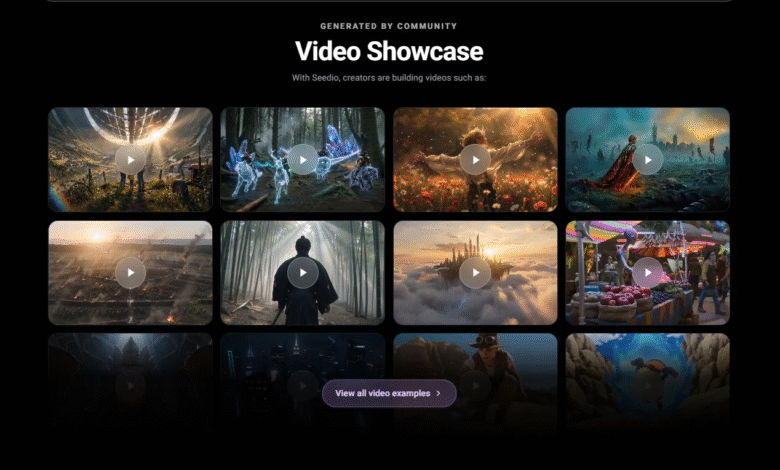
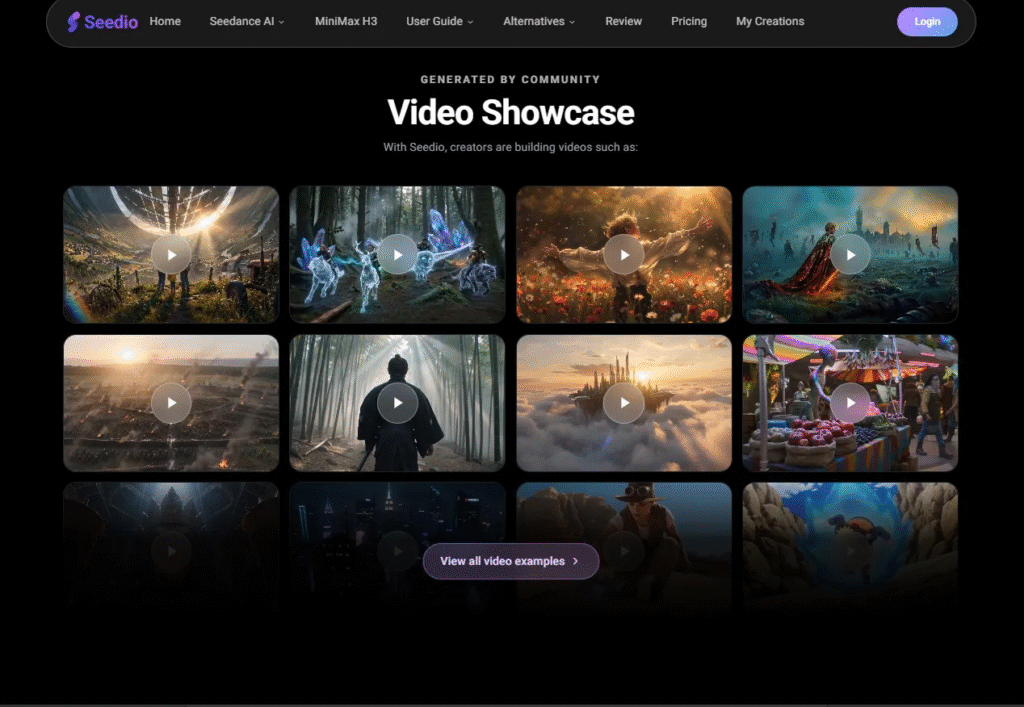
Seedance 2.5 can support this early review stage when it is used carefully. The current product page describes a browser-based workflow for text-to-video and image-to-video creation, with selectable duration and resolution options, reference inputs, and review/download steps. Those controls are useful when the team wants to compare directions before building a final asset.
The point is not to treat the first output as finished content. The point is to make the idea visible enough for discussion. A draft can show whether the opening is too slow, whether the scene feels too busy, whether the visual reference is guiding the right thing, or whether the message needs to stay as text instead of becoming a clip.
That middle step is valuable because it changes the conversation. Instead of debating a sentence in the abstract, reviewers can react to timing, framing, tone, and clarity. The discussion becomes less about personal preference and more about whether the draft answers the brief.
Give Each Reference a Specific Job
Reference material can make a draft more consistent, but it should not be dumped into the workflow without a purpose. A team should decide what each reference is allowed to control.
One image may guide the color palette. Another may suggest framing. A short audio note may guide pacing. A simple source clip may show the kind of motion the team wants to test. When every reference has a job, reviewers can understand why the output looks the way it does.
This also keeps the draft safer. References should be original, properly cleared, and suitable for the platform. A file that is acceptable for internal discussion may not be acceptable for uploading to an external tool or using in public content. Rights, privacy, likeness, and platform eligibility should be checked before references are used.
Do Not Let the Draft Invent the Facts
Video can make an idea easier to understand, but it can also make unsupported details look real. A generated screen may display accidental text. A product-like scene may imply a feature that was never verified. A comparison shot may appear to prove a result when it is only an illustration.
For that reason, teams should keep factual claims outside the guesswork. Dates, prices, performance statements, product specifications, safety instructions, medical claims, legal claims, and exact numbers should come from approved source material and be added carefully during final editing.
If a generated or illustrative scene could be mistaken for real footage, a real interface, a customer reaction, or a measured result, it should be labeled clearly. The label should remain understandable if the clip is shared away from the article or landing page where it first appeared.
Compare Drafts Without Changing Everything
One common mistake is to compare two drafts that are different in every possible way. The subject changes, the background changes, the aspect ratio changes, the pacing changes, and then nobody knows which decision actually improved the clip.
A better review process changes one or two variables at a time. Keep the core message, audience, and length consistent. Then compare a calmer opening against a faster one, a close frame against a wider frame, or a text-led version against a more visual version.
This kind of comparison is especially useful before a team commits to editing, voiceover, thumbnail design, or paid distribution. A practical Seedance 2.5 video generator workflow can help creators test those choices while the idea is still flexible.
Plan Captions Before the Final Edit
Short videos often fail on mobile because the important information is difficult to read. Captions may be too small, too fast, or placed under interface buttons. A draft review should include text placement, timing, and accessibility from the beginning.
If narration, dialogue, music, or sound effects carry meaning, the final version should include accurate synchronized captions. If a visual difference is shown through color, use text or symbols as well. If the viewer needs a source, date, or qualification, do not hide it in a fast-moving scene.
These choices may seem small, but they decide whether a viewer understands the point. A video draft should help the team see those issues before final production, not after the clip has already been scheduled.
The Best Draft Is the One That Improves the Decision
An early video draft does not need to impress everyone. It needs to help the team decide what to do next. Should the idea become a finished clip? Should the message stay as an article? Should the sequence be shorter? Should the strongest line become the opening?
That is the useful role of AI video in a technology-tools workflow. It gives teams a faster way to test direction, not a shortcut around planning. The human work still matters: choosing the right brief, checking the references, protecting factual claims, and deciding whether the final video serves the message.
When used that way, Seedance 2.5 fits naturally into production planning. It lets creators move from a written idea to a reviewable draft, then back to better decisions before the final asset is made. The result is not just more motion. It is a clearer path from idea to publishable video.