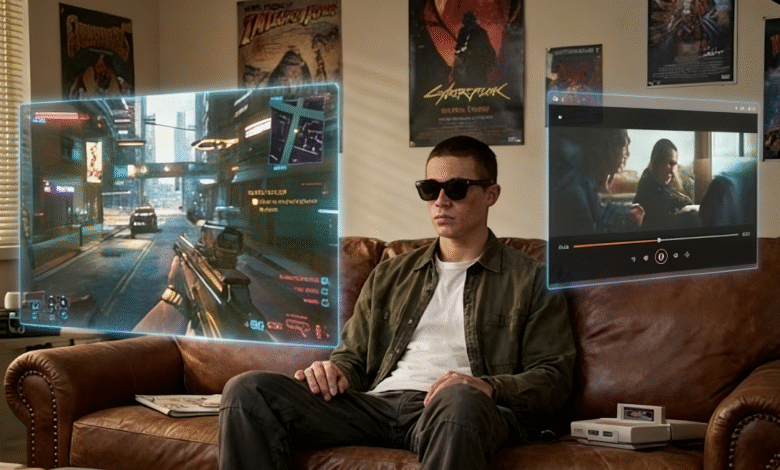
The category of innovative AR glasses solutions has matured quickly, especially in the display-glasses segment. RayNeo’s Air 4 Pro fits in a glasses case, carries an official 76g weight, and is currently listed at $249 on RayNeo’s U.S. store, with $299 shown as the regular price.
At CES 2026, TCL-backed RayNeo introduced the Air 4 Pro as the first consumer AR/display glasses model to support HDR10, a positioning echoed by RayNeo’s official product materials and launch coverage. That does not automatically make it the right product for every buyer, but it does give the Air 4 Pro a clearer display-first identity than most mainstream rivals.
This piece covers what that display actually delivers in practice, how the Air 4 Pro positions itself among AR glasses solutions in the same general buying tier, and who is most likely to get genuine value from it.
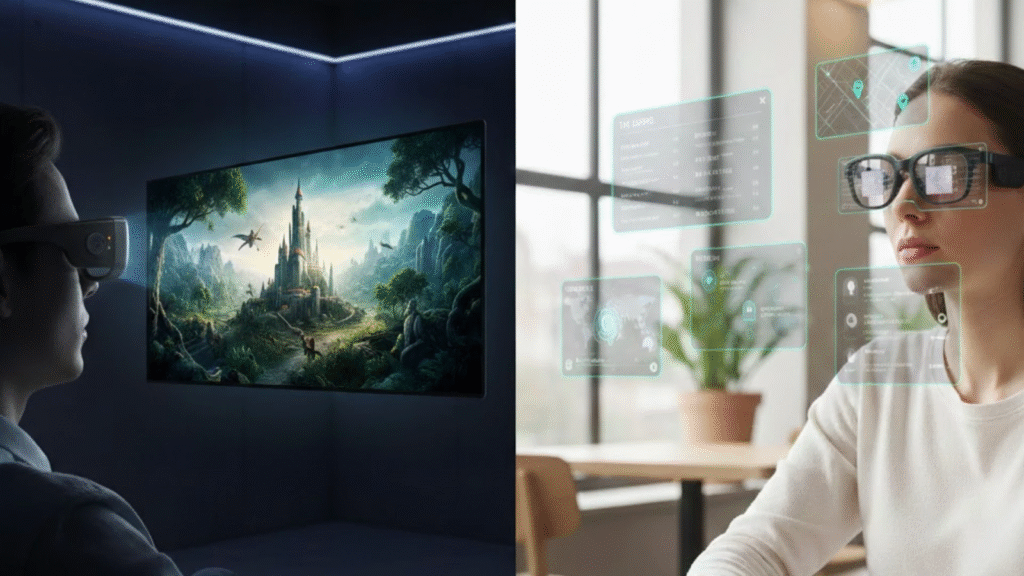
The Display: What HDR10 Actually Delivers
Most display-oriented AR glasses still compete on resolution, brightness, and refresh rate first. On RayNeo’s current spec sheet, the Air 4 Pro adds HDR10 support, a Vision 4000 chip, and real-time SDR-to-HDR conversion to that usual formula, which is why its display is the main reason to consider it in the first place.
The First HDR10 AR Display in This Class
HDR10 is a common baseline HDR format on TVs and monitors because it improves highlight handling and shadow detail relative to standard SDR playback. RayNeo markets the Air 4 Pro as the world’s first HDR10 AR display, and current official pages for XREAL One and VITURE Pro do not list HDR10 as a headline feature. Based on today’s official specs, that remains a meaningful differentiator, even if it is safest to describe it as brand positioning rather than an independent blanket certification claim.
AI-Powered SDR-to-HDR Conversion
The Vision 4000 chip is paired with SDR-to-HDR conversion in RayNeo’s official specs and FAQs. In practical terms, that matters because users do not spend all day watching native HDR masters; a glasses display that can enhance ordinary SDR sources has more day-to-day value than one that only shows its best side with perfect demo content.
Brightness, Contrast, and Verified Results
On RayNeo’s official store page, the RayNeo Air 4 Pro 201-inch virtual screen glasses are currently listed at $249, with $299 shown as the regular price, and the published screen specs include 1,200 nits peak brightness plus a 200,000:1 contrast ratio. Early hands-on coverage and reviews consistently point to the display as the product’s main strength in actual use.
The Bang & Olufsen Audio System
Most display glasses promise usable sound and stop there. RayNeo makes audio a bigger part of the pitch: the official Air 4 Pro spec sheet lists Audio by Bang & Olufsen, Whisper Mode, and Surround Mode, while RayNeo’s own footnote clarifies that the B&O wording refers to acoustic design and tuning collaboration rather than a separate B&O-branded product.
Whisper Mode and Spatial Sound
That still matters. In a product built around movies, games, and travel, better tuning can make the difference between “fine in a pinch” and genuinely enjoyable open-ear audio. Reviewers did not treat the Air 4 Pro like a hi-fi device, but early coverage described the speakers as better than expected for wearable display glasses. One nuance is worth keeping: RayNeo also references a separate Sound Tube accessory on the official page, so any hard leakage-reduction claim should be framed conservatively rather than as a universal out-of-the-box guarantee.
Device Compatibility and Real-World Use Cases
The Air 4 Pro works best with devices that support DisplayPort over USB-C. RayNeo’s compatibility and support pages specifically cover iPhone 15 and later via direct USB-C, Android phones with DP Alt Mode, and a broad range of compatible handhelds, tablets, and laptops; older iPhones and some consoles still require adapters or accessories. For users searching for innovative AR glasses solutions that span phones, handhelds, tablets, and laptops, that simple wired path is one of the product’s biggest real-world strengths.
Handheld Consoles and Gaming Setups
For gaming, the message is straightforward: direct USB-C setups are easiest, while Nintendo hardware is more accessory-dependent. RayNeo’s support pages show direct connections for Steam Deck and ROG Ally-class handhelds, while Nintendo Switch uses JoyDock; RayNeo also now sells a Switch 2 JoyDock bracket, and its JoyDock support resources emphasize staying current on firmware for compatibility and troubleshooting.
- Steam Deck and Steam Deck OLED — direct USB-C video connection
- ASUS ROG Ally and ROG Ally X — direct USB-C video connection
- Other compatible handheld PCs with USB-C video out — device-level compatibility still applies
- Nintendo Switch and Switch 2 — JoyDock route recommended; Switch 2 support is tied to RayNeo’s current JoyDock accessory path
Travel, Streaming, and Everyday Work
On iPhone 15 and later, one USB-C cable is enough to get started, and RayNeo says the same is true for Android phones that support DisplayPort over USB-C. That makes the Air 4 Pro easy to understand: it is less a standalone computer on your face than a private portable screen that travels well. Early hands-on coverage and reviews support that framing.
How AR Glasses Compare in the Current $299–$499 Range
The display-glasses market no longer fits neatly into one narrow price band, so the comparison below uses current official pricing and current official spec pages. It also mixes products that measure screen size and brightness differently, so the table should be read as a buying snapshot rather than a lab-style apples-to-apples test.
| Spec | RayNeo Air 4 Pro | Xreal One | Viture Pro |
| Price | $249 promo / $299 regular | $499 | $499 |
| HDR10 Support | √ | × | × |
| Stated Brightness | 1,200 nits peak | 600 nits | 4,000 nits / 1,000 nits perceived |
| Virtual Screen Size | 201 inches | up to 310 inches (Ultrawide mode) | 135 inches |
| Audio Partner | Bang & Olufsen | Bose | Harman |
| Electrochromic Tint | × | √ | √ |
| Weight | 76g | 82g | 77g |
| Built-in Diopter | × | × | √ |
Brightness and screen-size claims are vendor-defined, so the table is best read directionally rather than as a lab-perfect benchmark.
The XREAL One offers electrochromic tinting, spatial modes, and a larger vendor-claimed ultrawide screen, while Viture Pro still stands out for built-in myopia adjustment and electrochromic film. RayNeo’s edge is simpler: it gives up some premium convenience features but combines HDR10, strong core screen specs, and a lower current entry price. That comparison becomes especially favorable to RayNeo when price discipline matters most.
Who Should Buy the RayNeo Air 4 Pro
The Air 4 Pro is not trying to be a camera-first AI wearable or a standalone mixed-reality headset. Understanding what category of innovative AR glasses solutions this represents sets accurate expectations: it works best as a tethered, private display for media, games, and second-screen use on a connected device.
Ideal Users
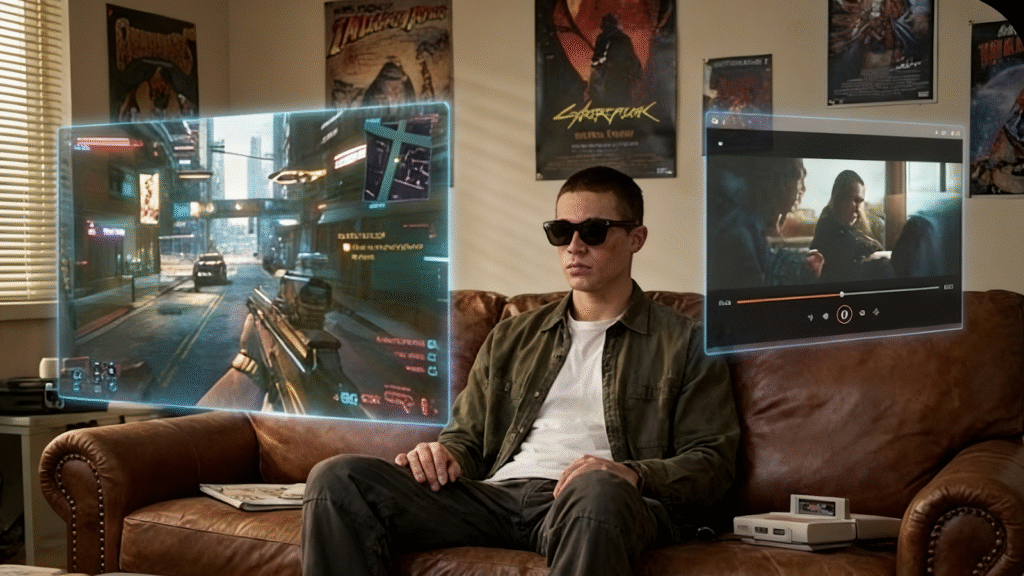
The Air 4 Pro delivers the clearest value to frequent travelers, handheld gamers, and privacy-minded streamers. Each wants a larger personal screen without carrying a portable monitor, and that is exactly where a 120Hz, 201-inch display-glasses design makes more sense than a phone alone.
- Frequent business travelers who want private media consumption during long-haul transit
- Handheld gamers seeking a larger-screen experience without carrying a separate portable monitor
- Remote workers or streamers who need a second screen in shared or cramped environments
Consider Alternatives If
Two limitations still matter. First, the glasses do not include built-in diopter adjustment, so prescription users need separate lenses from RayNeo’s official optical partners. Second, unlike XREAL One and Viture Pro, RayNeo’s official Air 4 Pro materials do not list electrochromic tinting, which makes those alternatives more flexible in very bright environments.
Comfort and Eye Safety
On paper, the comfort package is solid: RayNeo lists a 76g official weight, 9-Point FlexiFit adjustment, and TÜV SÜD eye-comfort claims tied to 3,840Hz PWM dimming and low-blue-light/flicker-free viewing. In practice, comfort is still face-shape dependent; some reviewers liked the light feel but specifically complained about nose fit. That means the Air 4 Pro looks well designed for extended sessions, but it is not immune to individual fit issues.
Final Take
At its current promo pricing, the RayNeo Air 4 Pro is one of the most aggressive value plays in display glasses right now. It does not win every checkbox, but HDR10 support, strong core screen specs, B&O-tuned audio, and broad USB-C compatibility give it a sharper identity than many competing innovative AR glasses solutions — especially for travelers and handheld gamers who care more about screen quality and convenience than about standalone software or electrochromic extras.