Unbiased Review: Testing IObit’s Bitdefender Engine Against 2026’s Toughest Viruses

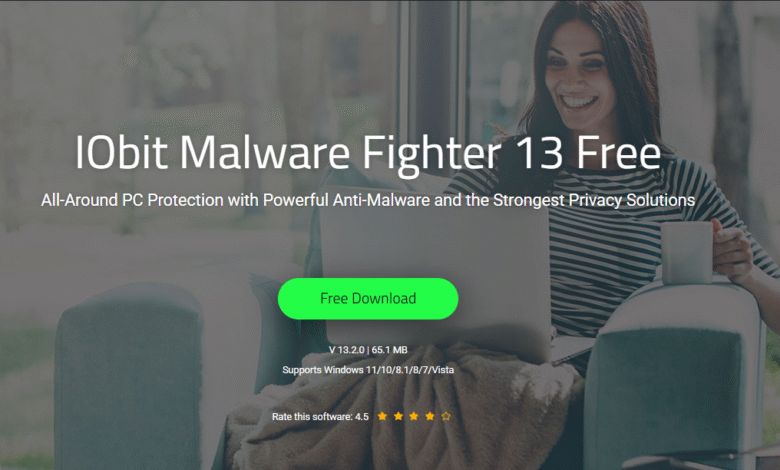
When you search the internet, you will come across dozens of antivirus tools. All of them promise the world but fail to deliver real results. When I sat down to test IObit Malware Fighter 13, I wasn’t expecting much. But after running it through some of the nastiest threats circulating out there in 2026, I changed my mind. Read on and let me share my experience with this new malware fighter.
What is IObit Malware Fighter 13?
The IObit Malware Fighter 13 is a free, all-in-one anti-malware and antivirus tool available for Windows operating systems. It is compatible with all Windows operating systems, ranging from Windows 7 to Windows 11.
The biggest selling point of IObit Malware Fighter 13 is the triple-engine setup. It runs three engines at once, which include:
- The industry trusted Bitdefender Engine
- The IObit Anti-malware engine
- The IObit Anti-ransomware engine
As you can see, this is a firepower working together in the background to ensure your protection.
The Bitdefender Engine – Does It Actually Deliver?
This was one of the parts that I really wanted to test. I knew that Bitdefender is one of the most respected names in cybersecurity. It was a bold decision to bake it directly into the IObit Malware Fighter.
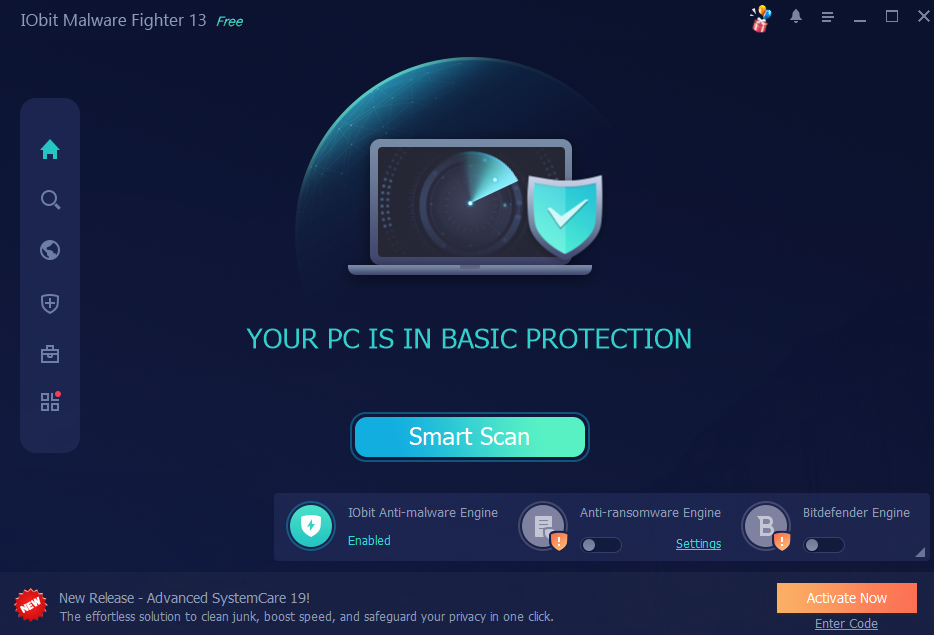
I ran a full scan on a test machine loaded with a mix of real-world 2026 threats. They included trojans, keyloggers, ransomware samples, and even spyware. The Bitdefender engine, paired with the IObit malware engine, could capture all threats on the first pass.
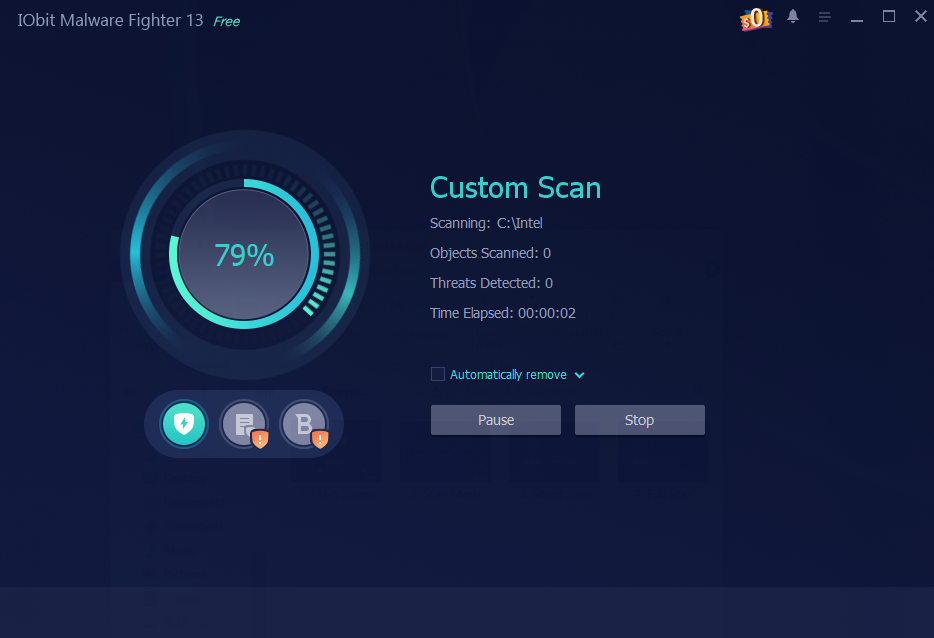
What stood out to me was how quiet the entire operation was. The scan ran in the background, and I was able to continue using my PC normally. CPU usage barely budged. For a dual-engine deep scan, it was quite impressive.
The virus database updates at least two times a week. As a result, you don’t need to worry about being exposed to the latest threats out there.
Ransomware Protection That Actually Works
Ransomware is the threat that most people fear. If you make one wrong click, you will be locked out of all files on the system.
The IObit Malware Fighter 13 can tackle such risks with two layers. The first layer is Sensitive Data Protect. It uses an anti-ransomware engine to shield specific file types in real time. Then you can find the Safe Box. It is a password-locked vault that you can use to store the most important files you have. Nobody can access what’s in there without your password.
I dropped a few commonly targeted file types into the Safe Box. Soon after, I ran a simulated ransomware attempt. All files within the vault remained untouched. The software flagged my simulation immediately and blocked it before any damage could happen.
Browser and Privacy Protection
Most free antimalware available out there focus on files and downloads. However, IObit Malware Fighter 13 takes one step further. It will keep an eye on your browser as well.
The browser protection suite covers anti-tracking, download protection, DNS protection, and homepage protection. On top of that, you will be getting comprehensive phishing defense as well. It now supports the latest Google Safe Browsing standards. As a result, it will block new online threats as soon as they emerge.
The upgraded anti-tracking feature works with the latest versions of Chrome, Edge, Firefox, and other major browsers. It can also remove ads and block cryptojacking attempts. If a shady website tries to hijack your CPU to mine cryptocurrency, it will be blocked.
I browsed through a set of known phishing and malicious URLs during my testing. IObit Malware Fighter was able to block every one of them even before the pages loaded.
9 Real-Time Security Guards
Here’s where IObit Malware Fighter 13 differentiates from the lighter tools you find. It is running nine different security guards around the clock. They include:
- Network Guard – This monitors suspicious network activity.
- File Guard – This scans files the moment you access them.
- Startup Guard – This checks new startup items.
- Process Guard – This watches running processes for suspicious behavior.
- MBR Guard – This protects the master boot record from rootkits.
- Camera Guard – This blocks unauthorized webcam access.
- USB Guard – This scans devices as soon as you plug them in.
- Behavior Guard – This uses AI-like behavior analysis to stop unknown threats.
- Browser Protection Guard – This prevents stored passwords from being stolen.
What’s New in Version 13?
The newest version of IObit Malware Fighter introduced some exciting features. It now offers:
- Smart and accurate intelligent protection.
- Monitoring of new kernel APIs for earlier threat detection.
- Expanded virus database for higher detection rates.
- Surfing protection powered by the latest Google Safe Browsing.
- Support up to 33 languages.
As you can see, there are not just cosmetic changes. For example, kernel API monitoring can help you catch threats as they sneak in through low-level system access.
Free vs Pro – Which One Should You Get?
The free version of IObit Malware Fighter 13 gives solid core protection to you. But if you want everything, such as advanced real-time guard alerts, full Safe Box access and enhanced browser protection, you should go for the Pro version.
A license will cover 1 PC or up to 3 PCs. This is reasonable for families or small offices. If you are coming from version 12, your license will still work.
Final words
After hands-on testing, I can highly recommend IObit Malware Fighter 13 to anyone seeking a comprehensive malware protection tool. Its ransomware protection is among the best I’ve tested at this price point. You will absolutely love the lightweight scan performance. In other words, you will never notice how it is running on your system, while ensuring your protection 24×7.